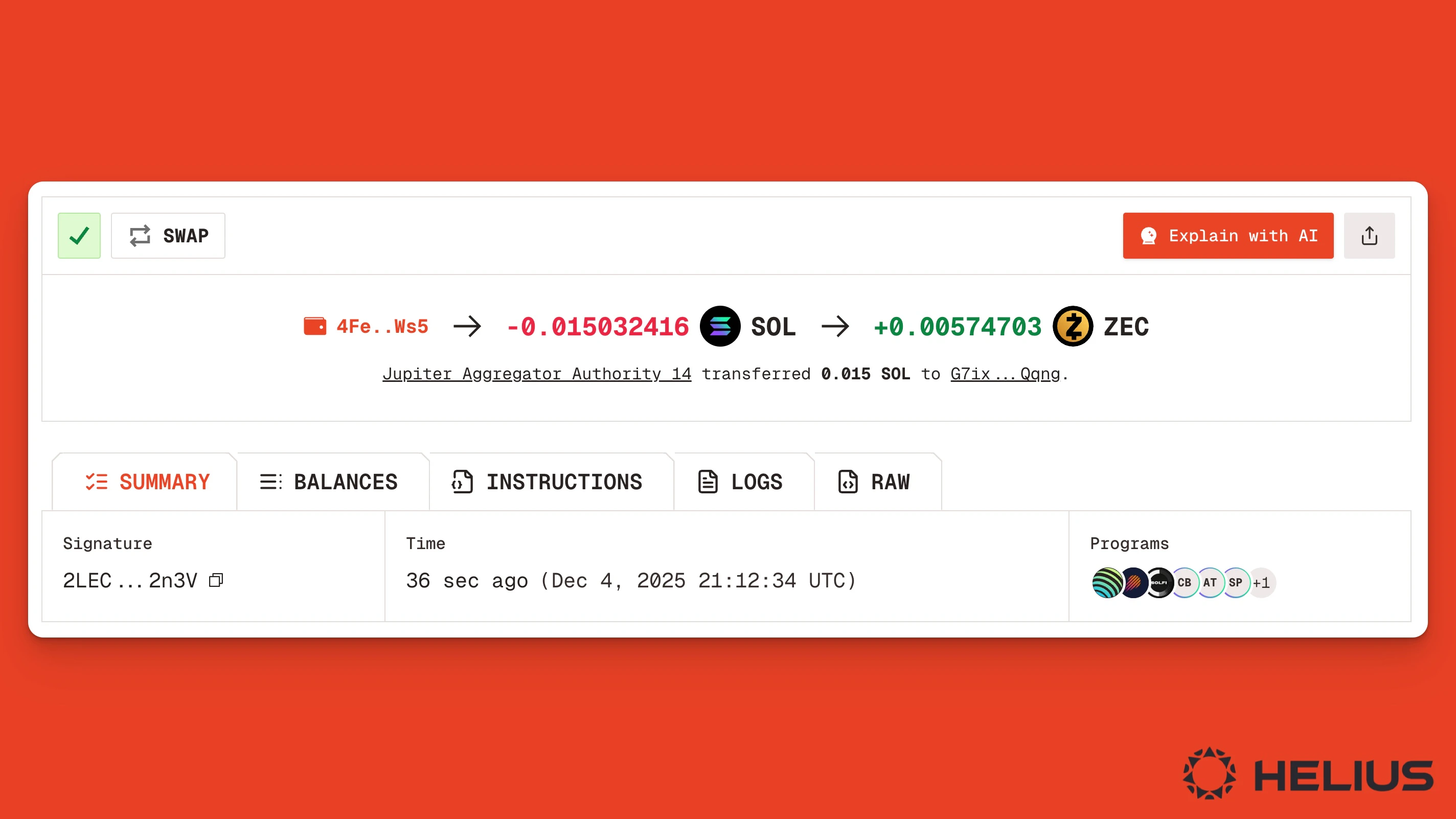
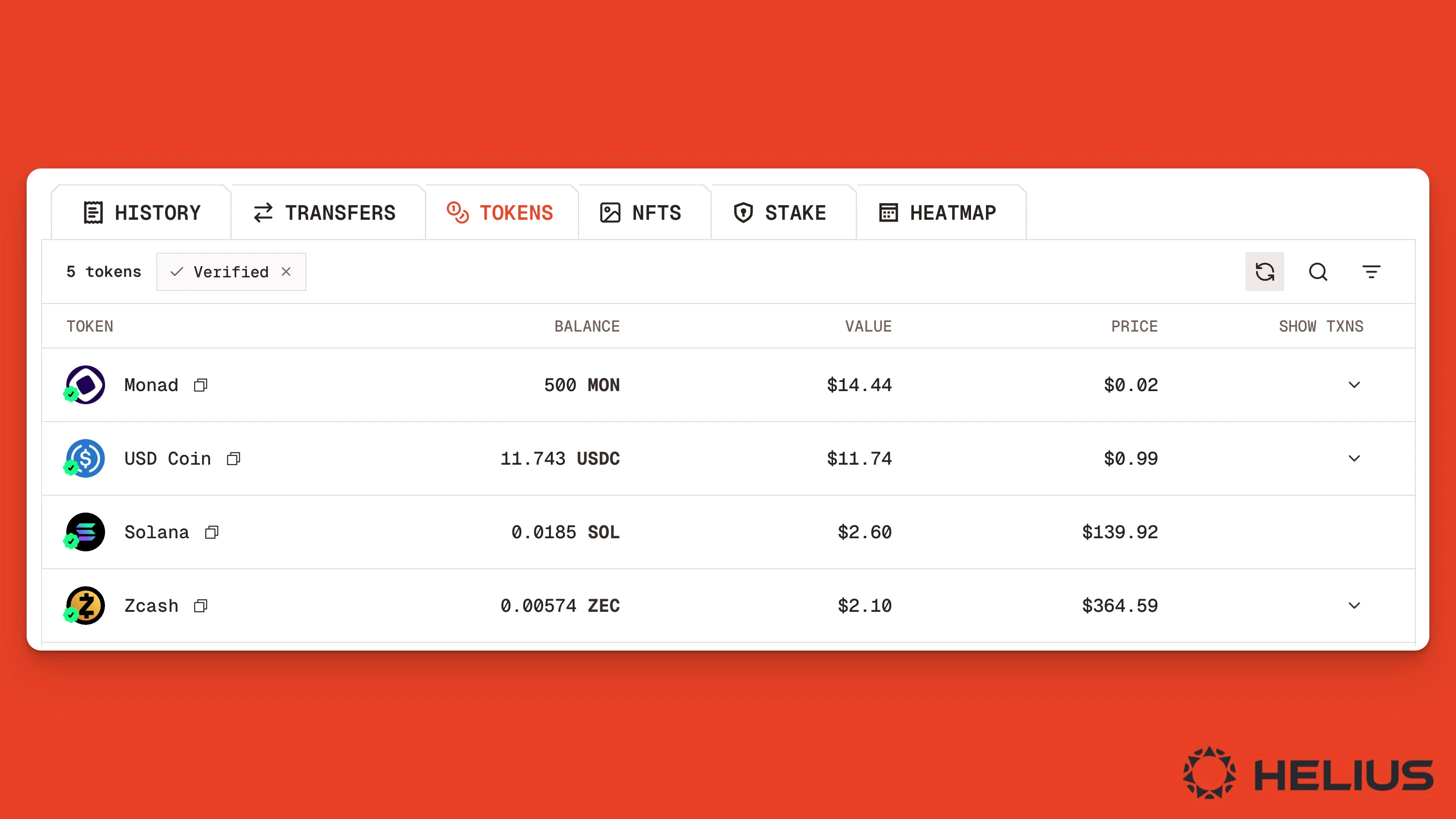
Block explorers like Orb are great tools for finding top Solana coins, researching projects, and deciding whether to buy or sell tokens. To make this process even easier, we’ve added a “Buy” button to every Solana token page indexed on the Orb explorer. All you need to do is connect your wallet and click “Buy” to swap into or out of any SPL token on Solana. This tutorial explains how to swap tokens on Solana using Orb, along with keyboard shortcuts for faster research and easier buys.Documentation Index
Fetch the complete documentation index at: https://helius-laserstream-websocket-free-tier-server.mintlify.app/llms.txt
Use this file to discover all available pages before exploring further.
Swapping Solana Tokens on Orb
Here is a step-by-step tutorial on finding and trading tokens on Orb.Find the Token
First, find the token you’re looking to swap by either searching by name in Orb’s search bar or by entering the token’s mint address.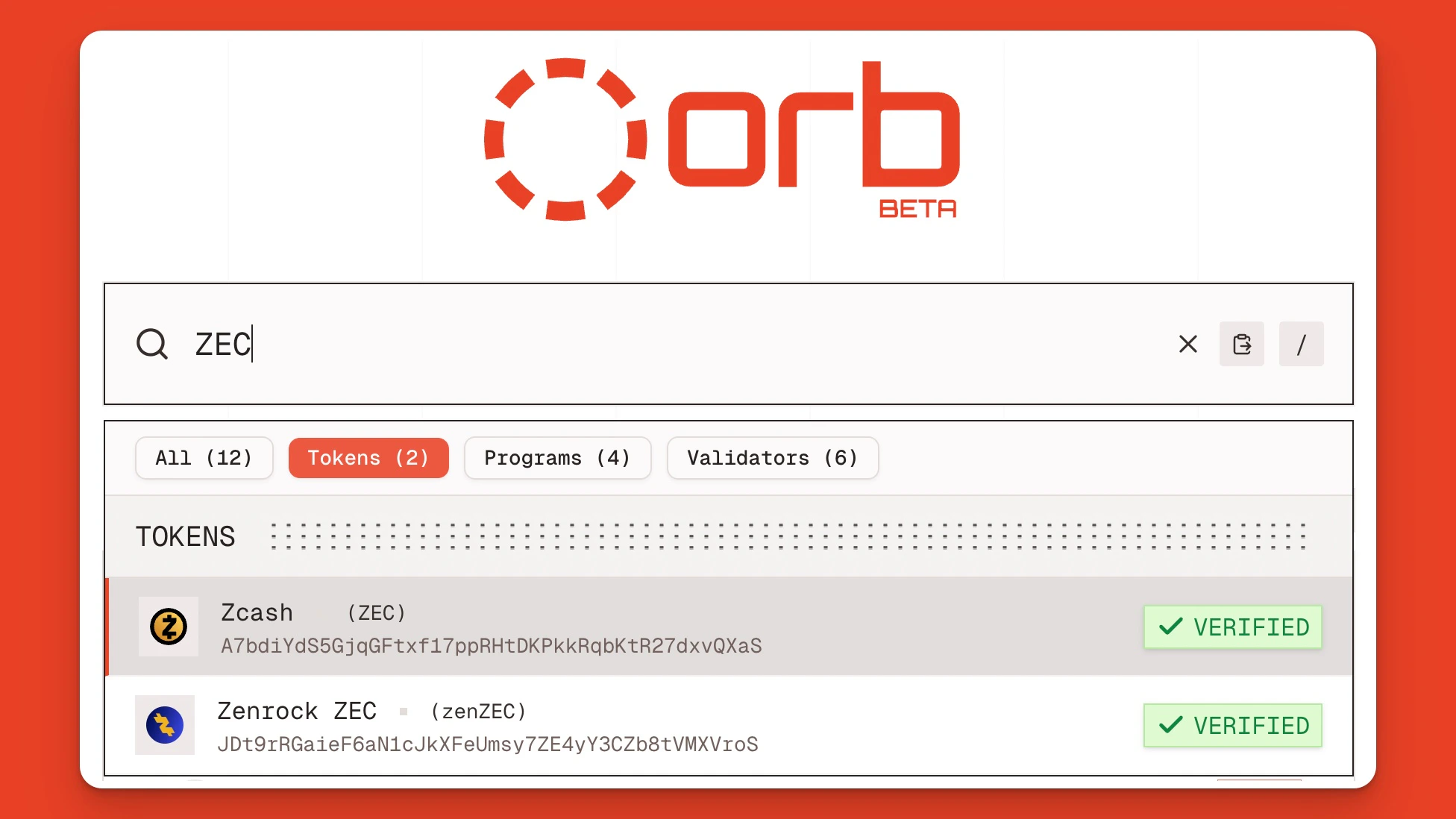
Click “Buy”
At the top of the page, next to the token’s image and name, click the orange “Buy” button. You will also see key token metrics, including supply, market cap, liquidity, fully diluted value (FDV), current price, holders (on Solana), and 24-hour volume.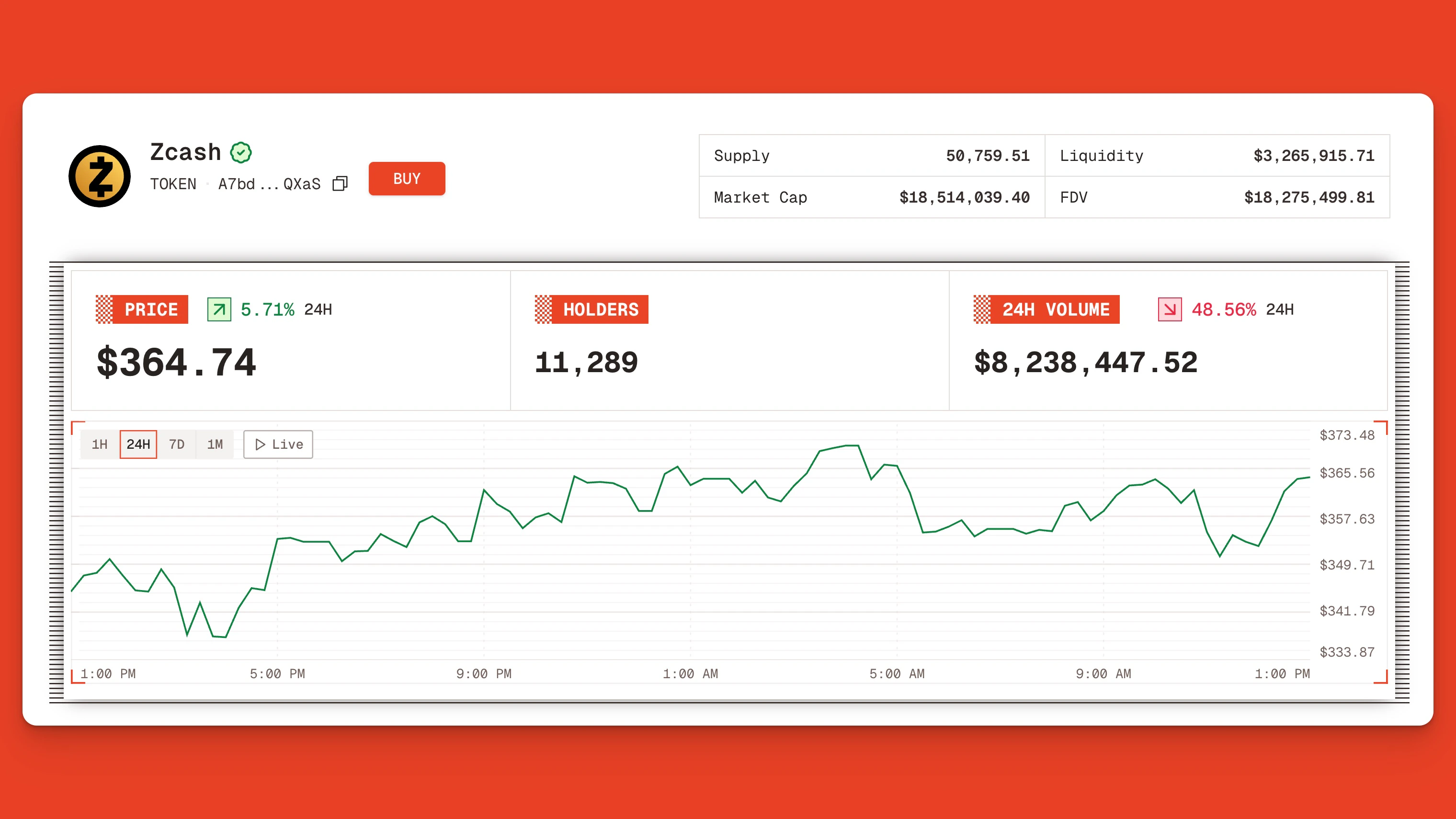
Connect Your Wallet
Clicking the “Buy” button or pressing the keyboard shortcut “B” opens a dialogue box prompting you to connect your wallet.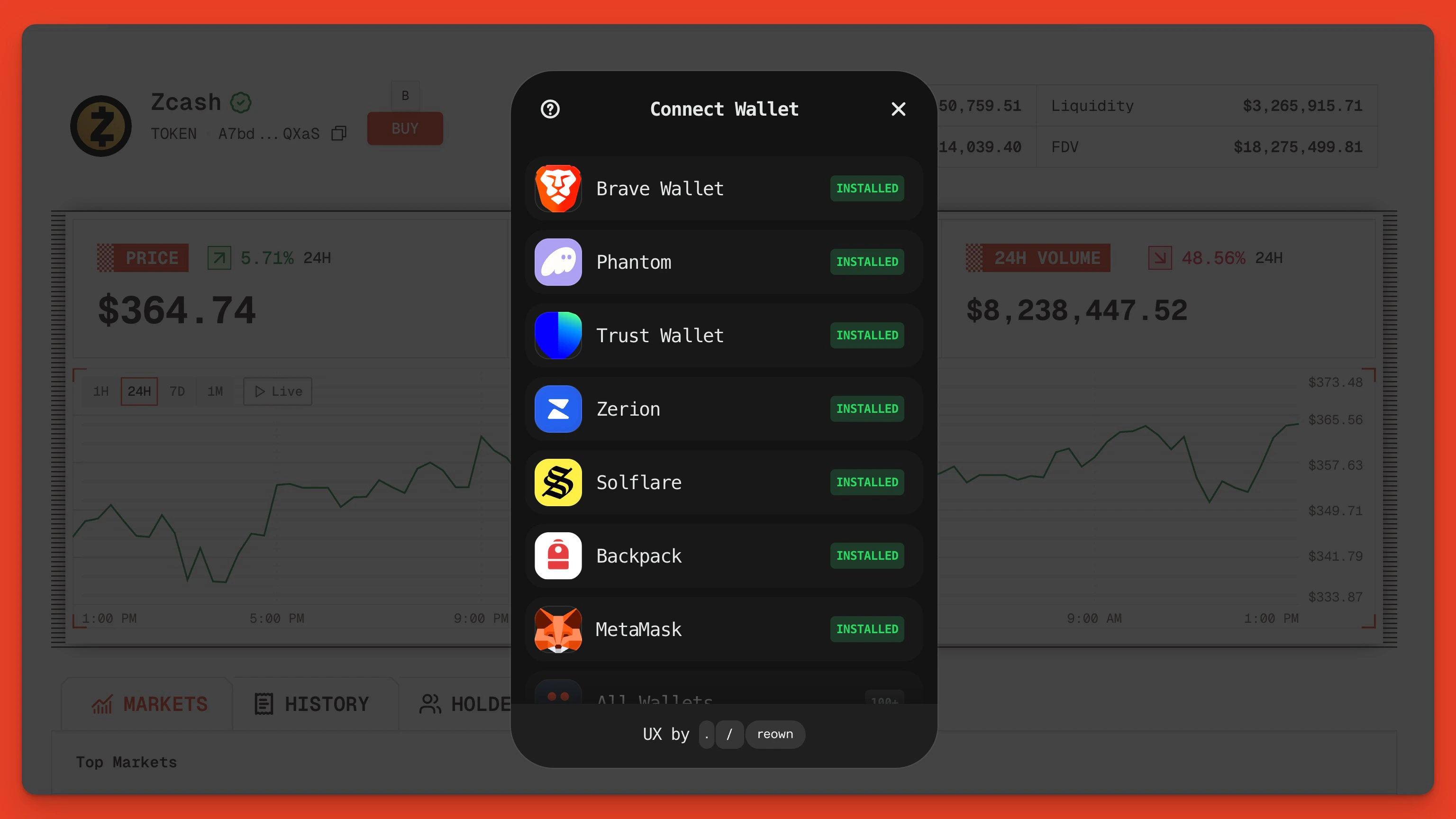
Use the Swap Widget
Once connected, you’ll see the main swap widget.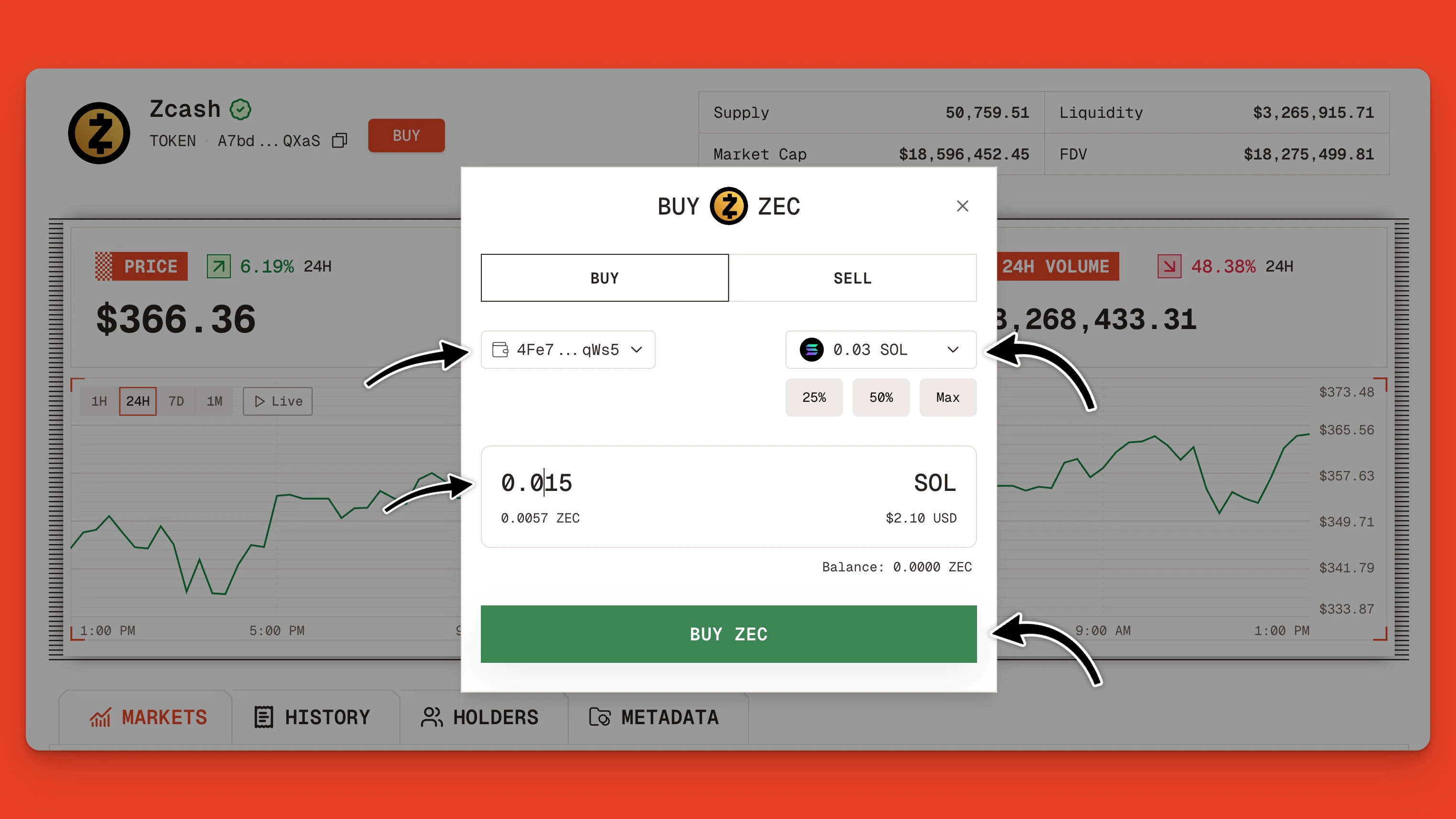
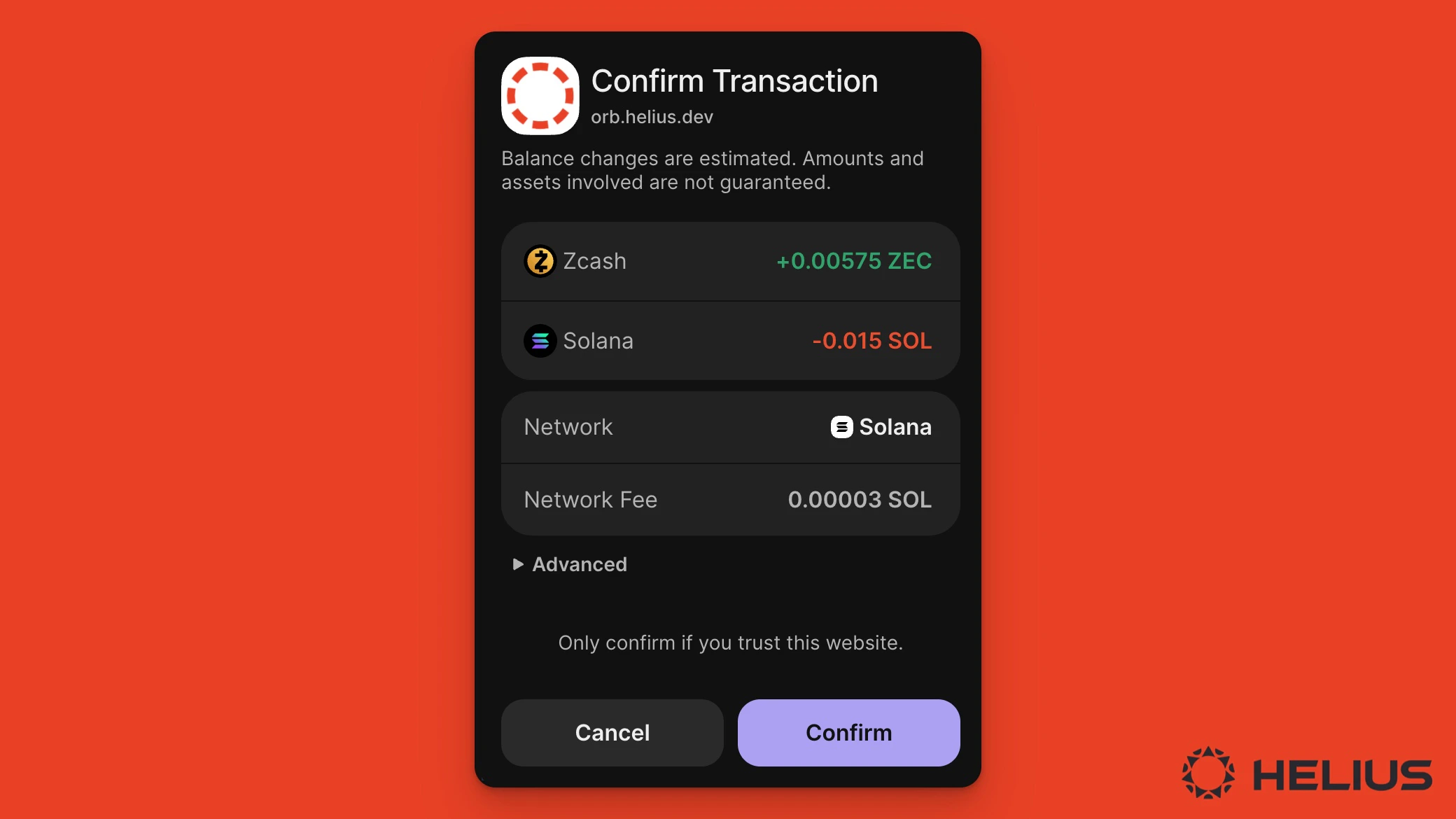
A 0.1% swap fee is applied to all swaps made through the Orb UI.
View Swap Details
Once the swap is completed, you’ll see a swap confirmation message and a link to view the transaction details. Click this link to see a summary of your trade.